
Generate Beats by Mood
Explore the new "Feel" feature. Map moods and blend genres on the interactive map to generate custom, royalty-free MIDI loops and drop them straight into your timeline.

Generative music studio
Generate melodies, chords, and beats as editable MIDI. Shape every note, record your own parts, and turn an idea into a song.
RECENT UNSAVED
See the generative timeline in action ·Open on YouTube
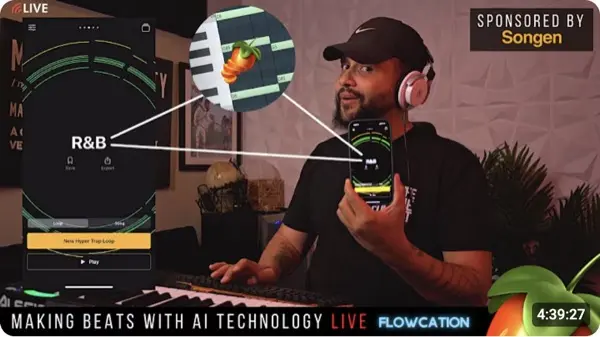
It generates superb songs, staying true to genre-typical sound design, composition, even creating transitions and building tension.
I’m a music artist and I wanted a good melody for a song. I generated one, downloaded the MIDI, and now it sings as an electric guitar in my DAW.
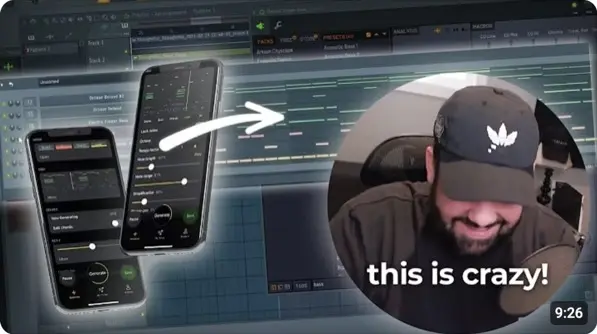
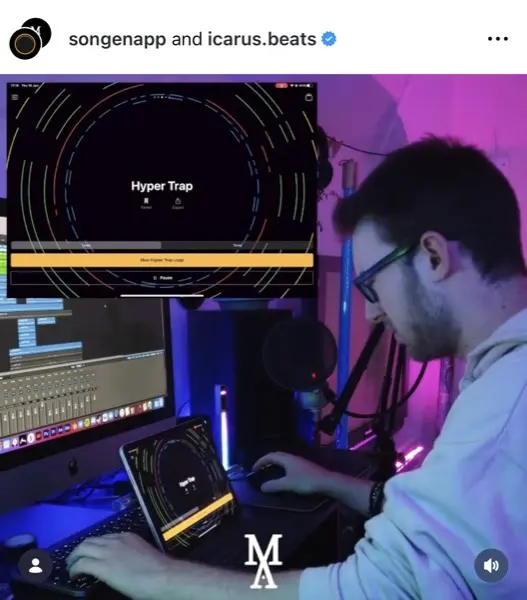
Really good app. Has some of the most unique algorithms for music production compared to anything else on the market.
The app is just amazing. I’ve enjoyed making music with it so much. I often create on the train to work, then finish the songs at home in Logic. Keep up the great work!
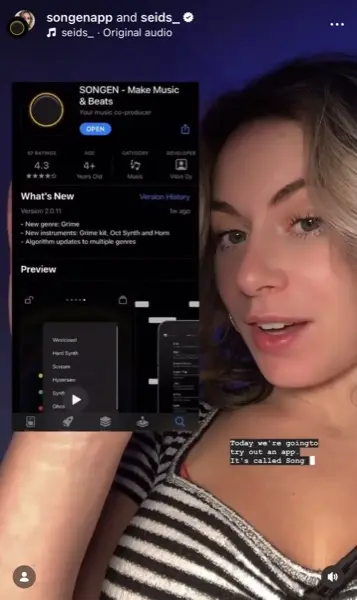

No need to enter prompts to generate music. Just a few clicks & voilà. Super fast, virtually no wait at all.
If you hate this app you’re genuinely missing out. Give it a go and start creating, especially if you’re a musician transitioning into producing. It gives you ideas in one tap.


The most innovative app I’ve seen in years. Totally worth my subscription!! Keep it up, Songen Team. I can’t wait to see you thrive.
I’ve tried them all, and Songen is absolutely the best.

I love this app overall, and it’s so helpful to hear a progression in different styles.
Thank you so much for this app. It’s very helpful in making music. Probably the best app I have tried.
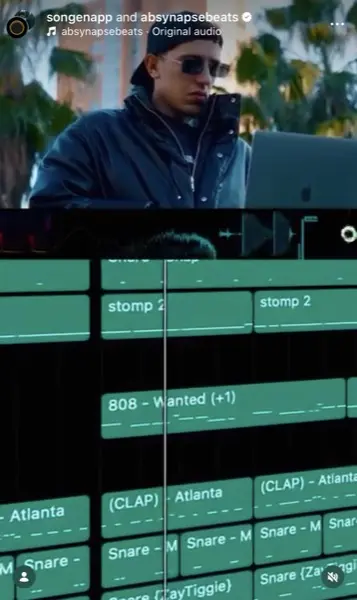

Can’t recommend this app highly enough. I’ve been using it for years. Lots of love.
This thing is powerful.

I’m really enjoying this app.
I made a track I actually liked in under a minute. This is the most fun I've had making music.

Songen feels like a co-producer that never runs out of ideas.
It generates superb songs, staying true to genre-typical sound design, composition, even creating transitions and building tension.


I’m a music artist and I wanted a good melody for a song. I generated one, downloaded the MIDI, and now it sings as an electric guitar in my DAW.
Really good app. Has some of the most unique algorithms for music production compared to anything else on the market.


The app is just amazing. I’ve enjoyed making music with it so much. I often create on the train to work, then finish the songs at home in Logic. Keep up the great work!
High-fidelity audio rendered with Songen.
NOW PLAYING
Select a track
TRACKLIST
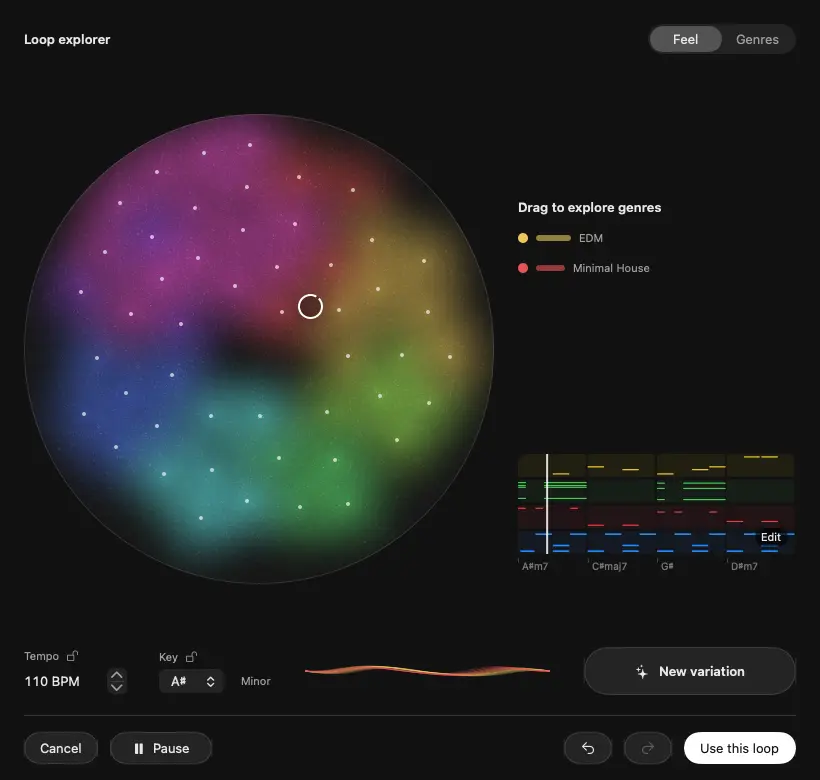
Explore loops, chords, and grooves. Keep what catches your ear.
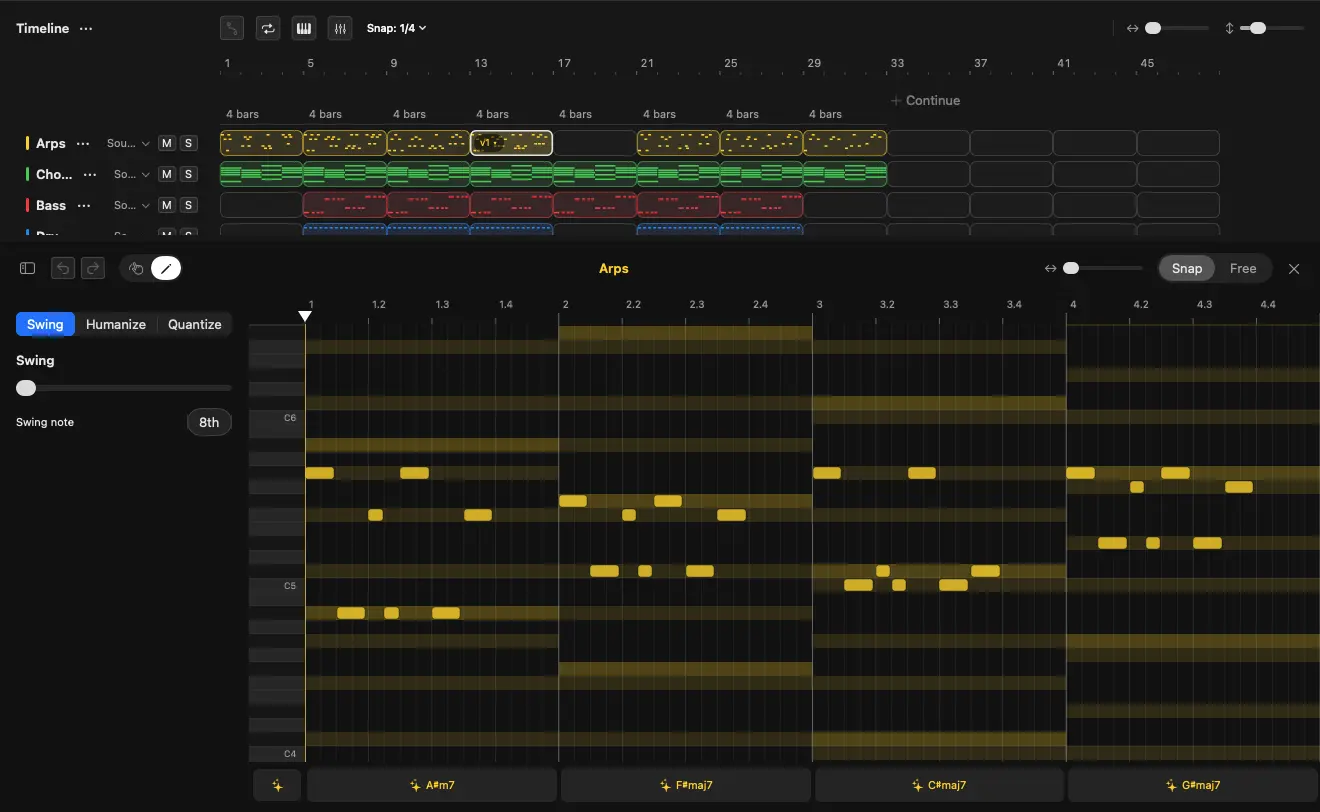
Change a chord. Shape a melody. Hear something new with every edit.
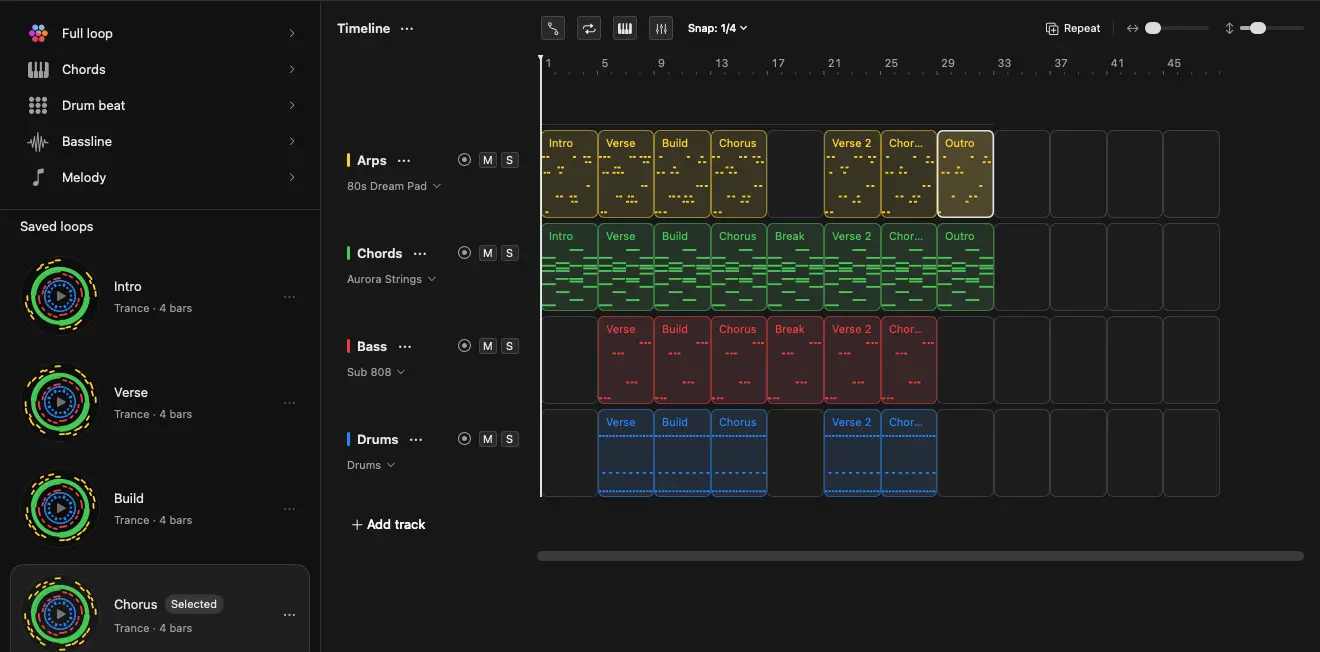
Arrange your ideas, record your own parts, and make the mix yours.
The generative DAW for Mac
From first idea to final mix, in one creative space.
Record audio and MIDI. Add your voice, instruments, and samples.
Arrange MIDI and audio. Develop variations, stretch clips, and build new sections.
Shape built-in synths and samplers, or bring your Audio Unit instruments and effects.
Mix with EQ, compression, and group buses. Add movement with effects and automation.
Explore a chord. Try a new groove. Hear what automation can do. From your first track to your hundredth, learn something with every song.
Explore nearly 50 styles, from familiar ground to something you’ve never tried. Hear how rhythm, harmony, and sound give each one its character. Blend their influences and bring something new back to your own music.
One subscription. Full access on macOS and iOS.
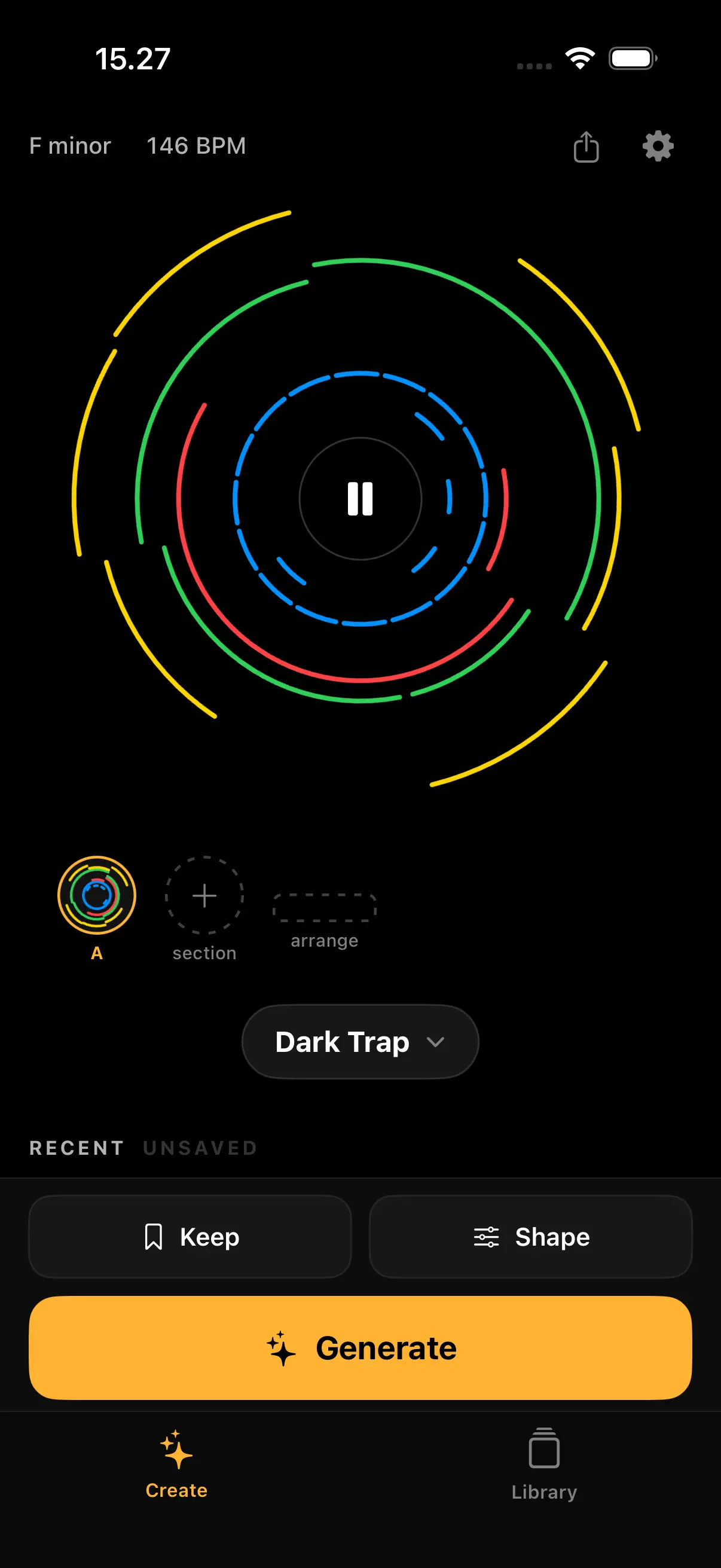
Generate a loop the moment an idea hits, shape it track by track, and export MIDI and audio. Works fully offline.
Install on iPhone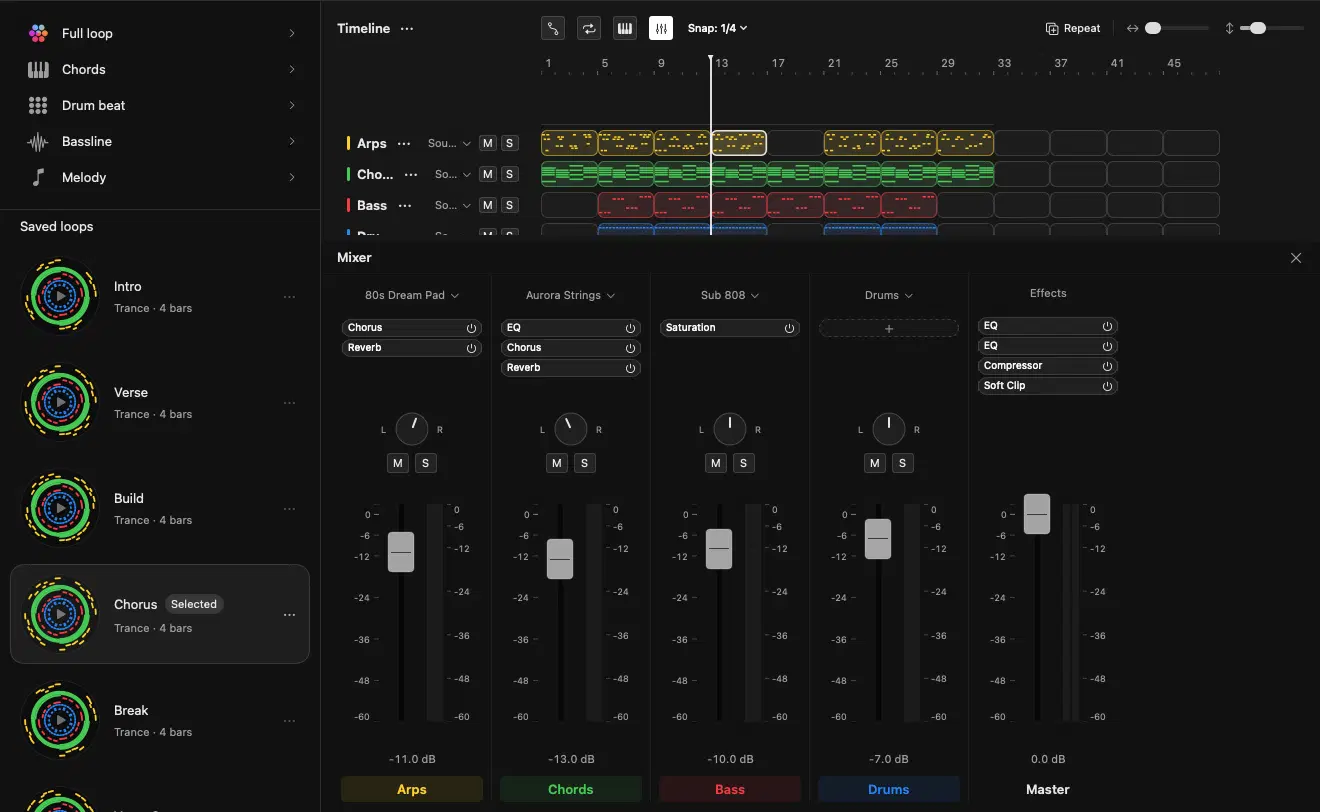
A complete generative DAW, with audio and MIDI recording, a flexible timeline, instruments, effects, and automation. Develop the composition, shape the sound, and finish the mix with your own hands on every detail.
Install free on MacInstall for free to test the generative engine on your device. Upgrade in the app to save, export, and own your tracks forever.
Billed monthly.
Save ~15% vs monthly.
Pay once. Yours forever.
Free to install: test generating on your device; save and export require Premium in the app.
Prices shown in USD. Exact pricing is localized to your region via the App Store.
Manage your subscription and restore purchases securely through Apple.
…and much more
Learn how to generate and arrange beats using Songen Studio.
Explore the new "Feel" feature. Map moods and blend genres on the interactive map to generate custom, royalty-free MIDI loops and drop them straight into your timeline.
Build a complete track from scratch. See how to instantly generate MIDI, shape built-in synths, edit in the piano roll, and arrange a full beat on the macOS timeline.
Building an AI agent? Connect Claude or Cursor directly to the Vibin Audio Engine. Read the MCP Server docs →
Songen is a generative music studio. On Mac, it’s a DAW where you can explore musical ideas, edit notes, record audio and MIDI, arrange a song, and mix with instruments, effects, and automation. On iPhone and iPad, it’s a pocket studio for generating and shaping loops. Start with a style or a feeling, then follow the music wherever it takes you.
Songen is free to download and free to try, with no time limit. **Save, export, and unlimited generating require Songen Premium** on both Mac and iPhone/iPad. **Mac:** Free accounts get up to **100 full generations per day**. You can recover an unsaved session after a crash (`Recovered.songen`), but **Save, Save As, and export** (MIDI, audio, stems) need Premium. **iPhone & iPad:** Free users can generate loops within the app’s daily free allowance (check the app for the current limit). **Export requires Premium** — there is no free export tier. Premium unlocks unlimited generating, saving projects, and exporting on every platform. One subscription works on Mac, iPhone, and iPad when you subscribe through Apple.
Songen is available on iPhone and iPad via the App Store, and on Mac via the Mac App Store. There is no Android or Windows version.
No. Start by listening and choosing what feels right. Editable notes and chord-aware piano rolls let you see and hear how the music fits together. As you try different chords, grooves, and sounds, you can build an ear for harmony, explore unfamiliar styles, and discover production techniques along the way—whether you’re making your first track or have been producing for years.
Yes. Songen generates royalty-free beats, so you fully own what you make. Sell them, license them, or release them as your own songs, with no clearance, no attribution, and no extra fees.